



How to Log In to Yetizino
After Yetizino login, you’ll see your account balance, active bonuses, recent transactions and profile settings. New users who complete Yetizino registration get access to real-money games and current promotions.



Creating a Yetizino Account
A completed Yetizino registration gives you access to everything that isn’t available in demo mode. After you create account details and finish account registration, your profile becomes the place where you manage games security settings.
- Play real money games across the full casino library.
- Claim the welcome offer and take part in regular promotions.
- Track your balance, bonus progress and transaction history.
- Join tournaments and other special events.
- Upload documents for verification and complete the required identity check.
- Manage your personal data, password and security settings from one dashboard.
- Receive account approval by confirming your email address after you sign up.
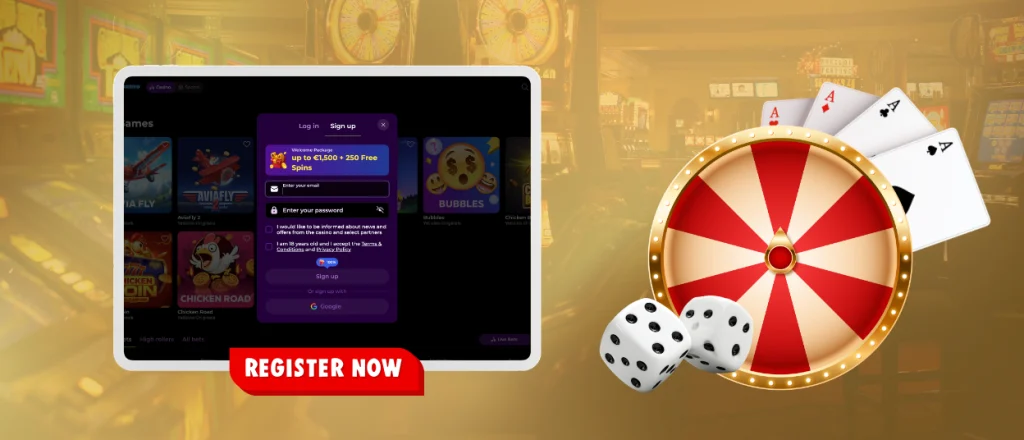
Registration Steps
The Yetizino register process takes only a few moments. Click Sign Up on the homepage to open the registration form.
- Enter your email address, choose a password and accept the Terms and Conditions. Press Sign Up.
- Add your first name, last name, date of birth and phone number.
- Click Save to finish your Yetizino registration. Upload the requested verification documents before your first withdrawal.
Make sure the information in your account matches the documents you submit.
Yetizino Login and Account Access
Signing in takes only a few steps. Open the Yetizino casino login page, enter the email address and password you used during Yetizino registration, then click Log In. Your account opens immediately after a successful user login.
From the dashboard, users are able to check their balance, claim bonuses, make deposits or request withdrawals. The same page also gives access to game history, transaction records, personal data, account security and the verification section, where you can upload documents and follow the progress of your identity check.
How to Delete Your Account
If you decide to stop using the platform, contact the support team through live chat or email and request account closure. Before the account is closed, make sure your balance is free from pending withdrawals. After the support team closes the profile, the Yetizino login details stop working. Customers who only want time away from gaming can set a cooling-off period instead of permanently deleting their account.
Can’t Log In?
Start by checking that the email address and password match the details used during Yetizino registration. If the password is wrong, select “Forgot Password?” on the Yetizino login page and follow the link sent to your email.
Too many failed attempts often trigger a short account lock. Try again after a few minutes. If the account stays locked, contact the live chat team. For browser-related user login problems, clear the cache or try another browser.
Yetizino Secure Account Verification
Account verification confirms the user’s identity and helps protect payments and withdrawals. The process often asks for a valid ID, proof of address and payment details linked to the account.
Documents are uploaded through the profile. We review your documents after upload. Clear photos and the same personal data across all documents help speed up the identity check.
FAQ
Why was my account locked for a short time?
Your account may be locked for a short time after entering the wrong password several times. Wait a short time before trying again. If the account still won’t open, reset your password or contact live chat.
Can I play demo games before I sign up?
Yes. Demo mode is available for many slot games, so you can try them without creating an account. A sign-up is only required for real money games, bonuses and withdrawals.
What do I need to open an online casino account?
Create your account with an email address and password, then complete the registration with your personal information. Identity verification is part of the withdrawal process and must be completed before your first cashout.
What should I do if my Yetizino verification is unsuccessful?
Withdrawals aren’t available until your verification is complete. If your documents are rejected, check the reason, make any necessary changes and upload them again. You can also contact customer support for help.


